2. Installation Guide
2.1. Requirements
The ANSYS Composite Cure Simulation add-on requires a copy of ANSYS to be already installed. You will also need administrator rights to be able to install this add-on. Currently, the Workbench integration is only available for Microsoft Windows machines. The current release was successfully tested against the officially suppurated Windows OS.
2.2. Installation on Microsoft Windows OS
Download the installer from the customer portal: <https://support.ansys.com/portal/site/AnsysCustomerPortal>
Double click on the installer to execute it and follow the steps as illustrated below. The installation should be performed with the system administrator rights. By default, ACCS is available with a reference material library. This library is automatically loaded into the installation folder and is seamlessly imported into the engineering data toolbox with the name Cure Simulation.
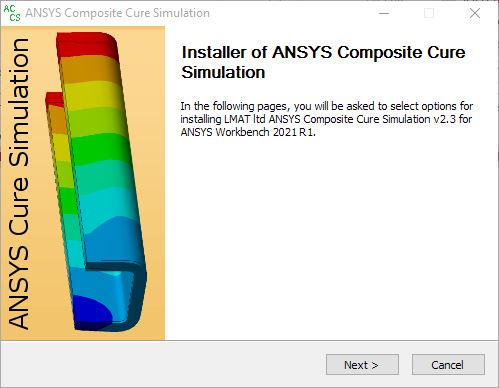
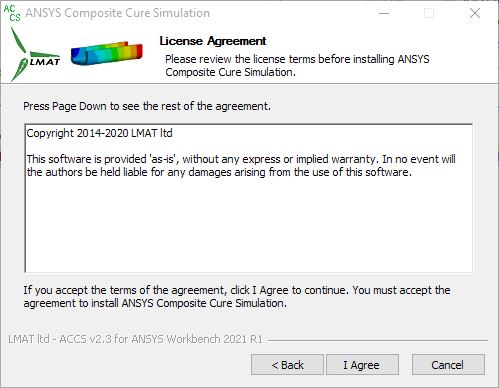
Click Next and Agree the Terms of Agreement
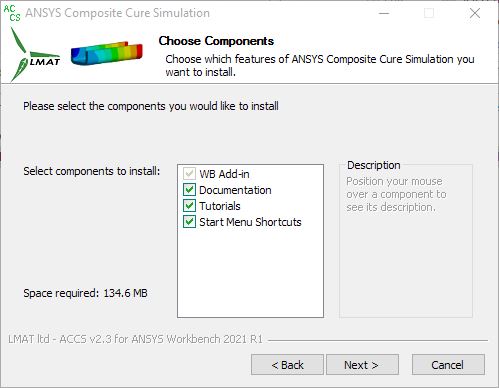
Choose the components to install
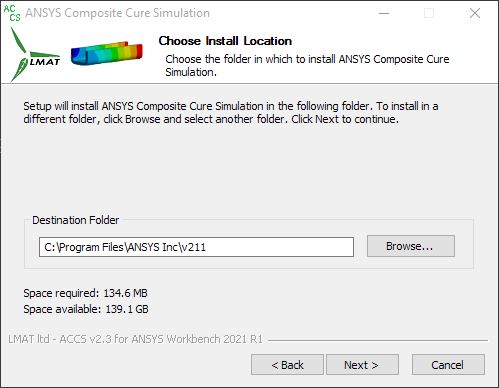
Choose the destination Folder
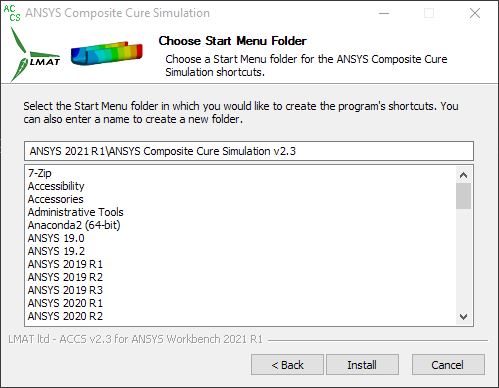
click on install and the installation should start
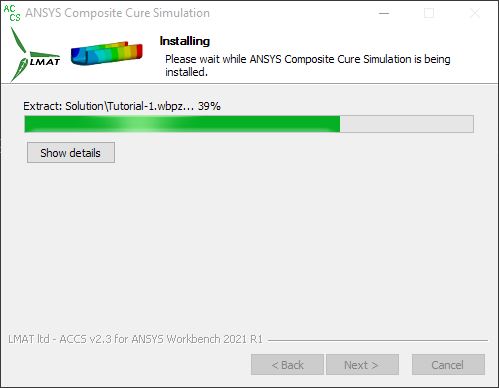
after completion, click next.
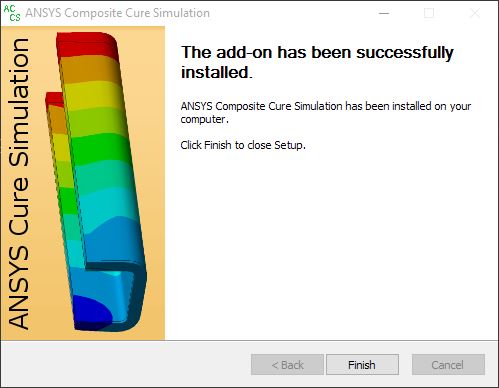
Finish the installation
A silent install option is also available. Run the Installer with the /S switch from within a console with administrative rights. On Windows: > LMAT_ACCS- _WB20.2_MUI.exe /S
2.3. Uninstalling
- Please run as an administrator the following file:
On Windows: <ANSYS_install_dir>LMAT_ACCSuninstall.exe
- A silent uninstall option is also available. Run the Uninstaller with the /S switch from within a console with administrative rights.
On Windows: <ANSYS_install_dir>LMAT_ACCSuninstall.exe /S